

You can very quickly annotate a region of interest in your sequence in the Editor tab. For example, showing introns in lower case or highlighting CDS features with a colored background.
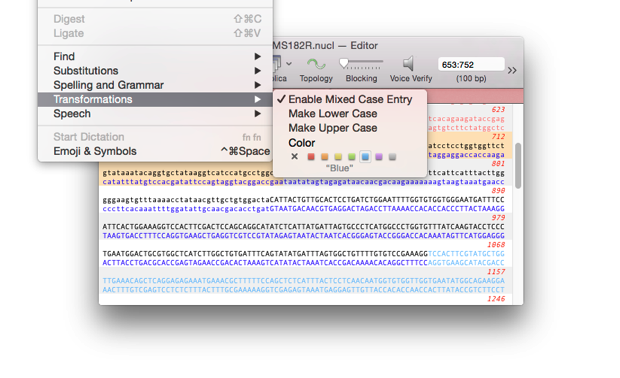
Using the TRANSFORMATIONS menu
To enter sequences as mixed case.
- Enable Edit | Transformations | Enable Mixed Case Entry
- Type your sequence using SHIFT or CAPS LOCK
To color a region.
- Select the region you want to highlight.
- Choose Edit | Transformations | Color.
To change the case of a region.
- Select the region you want to change to lower case.
- Choose Edit | Transformations | Make Lower Case.