

MacVector 14 saw the introduction of the new Primer Database tool. This allows you to save and retrieve primers from the Primer Database from the Primer3 and Quicktest Primer tools. You can also scan sequences for potential primer binding sites. The tool comes with a starter database of primers, but you can use existing subsequence files or import primers from Excel.
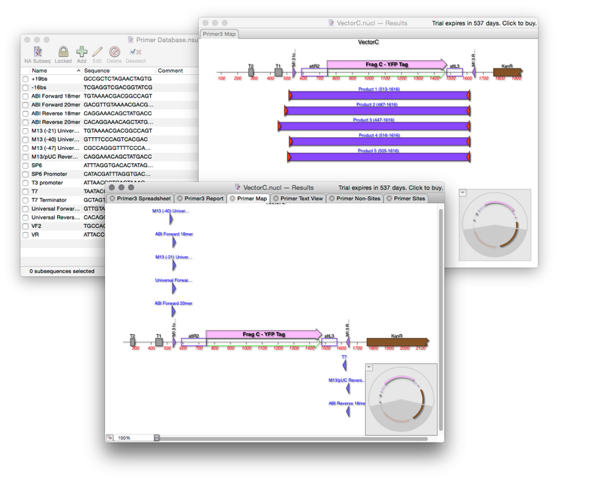
To save a primer from QT Primer:
- Open ANALYZE > QUICKTEST PRIMER
- Design your primer
- Click ADD TO…
- Give the primer a name and add a comment. Click OK
To save a primer from Primer Design:
- Open ANALYZE > PRIMER DESIGN (PRIMER3)
- Design your primer pair
- In the spreadsheet right click on a primer
- Choose ADD PRIMER TO DATABASE
- Give the primer a name and add a comment. Click OK
To use the Primer Database Search:
- Open your sequence
- Select ANALYZE > PRIMER DATABASE SEARCH
- Choose parameters and click OK