Skip to content
The blue logo of MacVector, inc.
  • Getting Started
    • What can MacVector do for my lab?
    • Overview
    • Sequence Assembly
    • Common workflows for the molecular biologist
    • Getting your sequence into MacVector
    • Comparing sequences
    • Cloning Project Manager
    • Importing sequences
    • Where to start
    • Primer design
    • Tutorials
  • Free Trial
  • Buy
    • Pricing
    • Purchase online
    • Student and Postdoc licenses
    • What type of license should I buy?
      • MacVector Free
      • Maintenance
    • Quote Request
      • CeresBio
      • VtR Incorporated
      • VtR Incorporated
  • Support
    • Blog
    • Legal Information
    • Compatibility of older versions
    • Privacy and Security Policy
    • Downloads
    • InstallersInstallers of the current version of MacVector and older ones.
    • System Requirements
    • Tutorials
    • What’s New in MacVector.
    • Weekly Tips
  • Contact us
    • Email Options

  • Introduction to Golden Gate Cloning

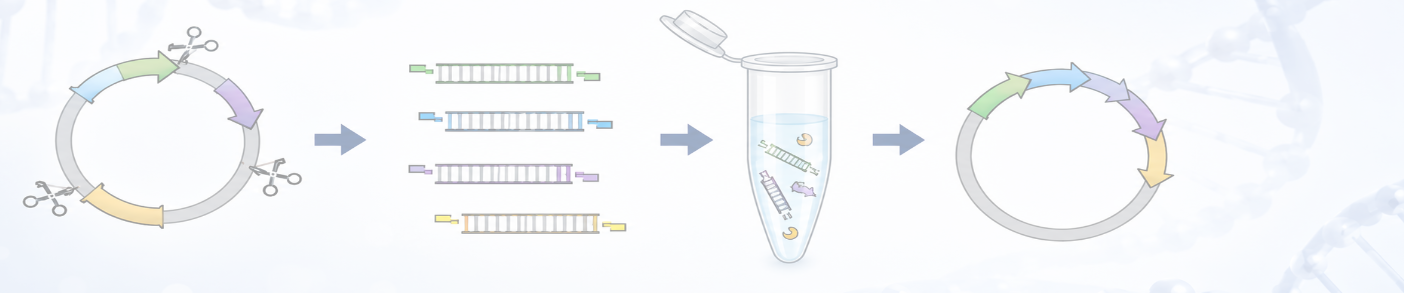
    MacVector 26 (released July 2026) saw the addition of Golden Gate Cloning to the Cloning Project Manager. Golden Gate Cloning is a molecular cloning technique that enables the seamless, orderedassembly of multiple DNA fragments into a single construct in one reaction. Its defining featureis the use of Type IIS restriction enzymes, which recognize specific asymmetric…

    Read more: Introduction to Golden Gate Cloning
    Jul 21, 2026

    —

    by

    user
    in Tutorials

  • MacVector 26 has just been released!

    MacVector 26 was released last week (13 July 2026) and it’s a significant release. MacVector 26 has new features for designing and documenting cloning workflows and for managing your sequences. The new Cloning Project Manager allows you to design Golden Gate Cloning workflows. So along with Ligase Independent Cloning, Gibson Assembly and traditional restriction enzyme…

    Read more: MacVector 26 has just been released!
    Jul 20, 2026

    —

    by

    user
    in General, Releases

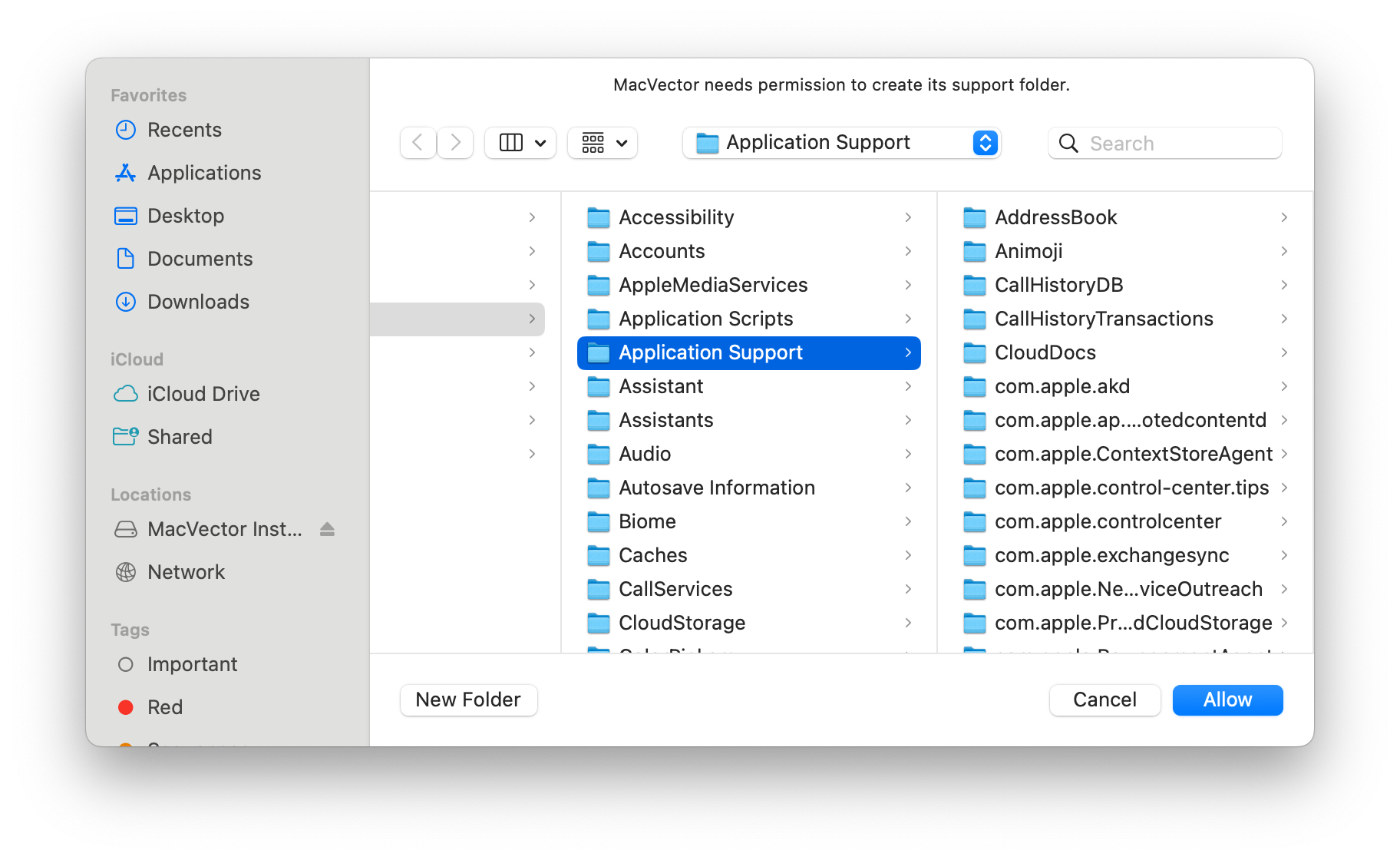
  • MacVector 26: Understanding macOS sandboxing

    For many years now, Apple has encouraged developers to create applications that run in a “Sandbox” on macOS. In fact, for the last few years, any application downloaded from the Apple App Store must be set to run in a sandbox. This protects your computer and your data from intentional or accidental data access or…

    Read more: MacVector 26: Understanding macOS sandboxing
    Jun 10, 2026

    —

    by

    user
    in General, Releases

  • Golden Gate Cloning

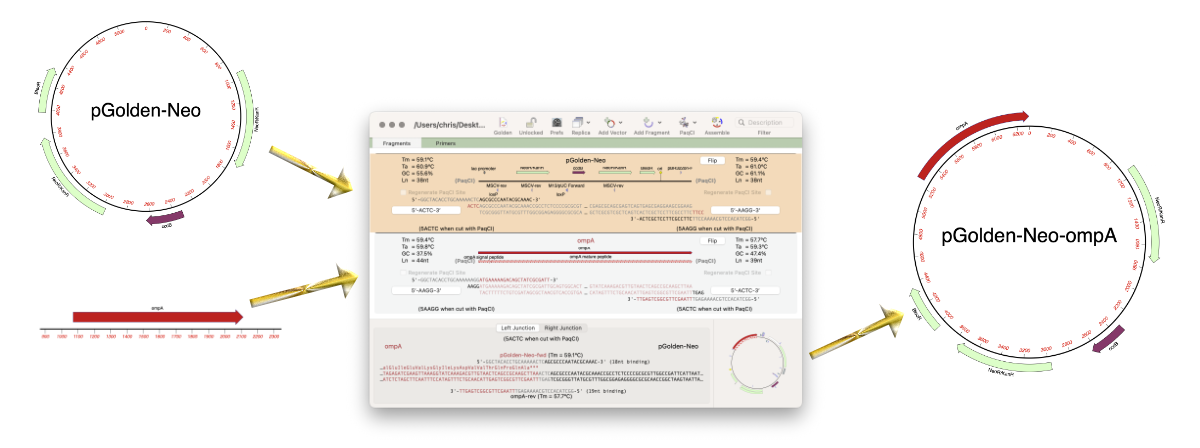
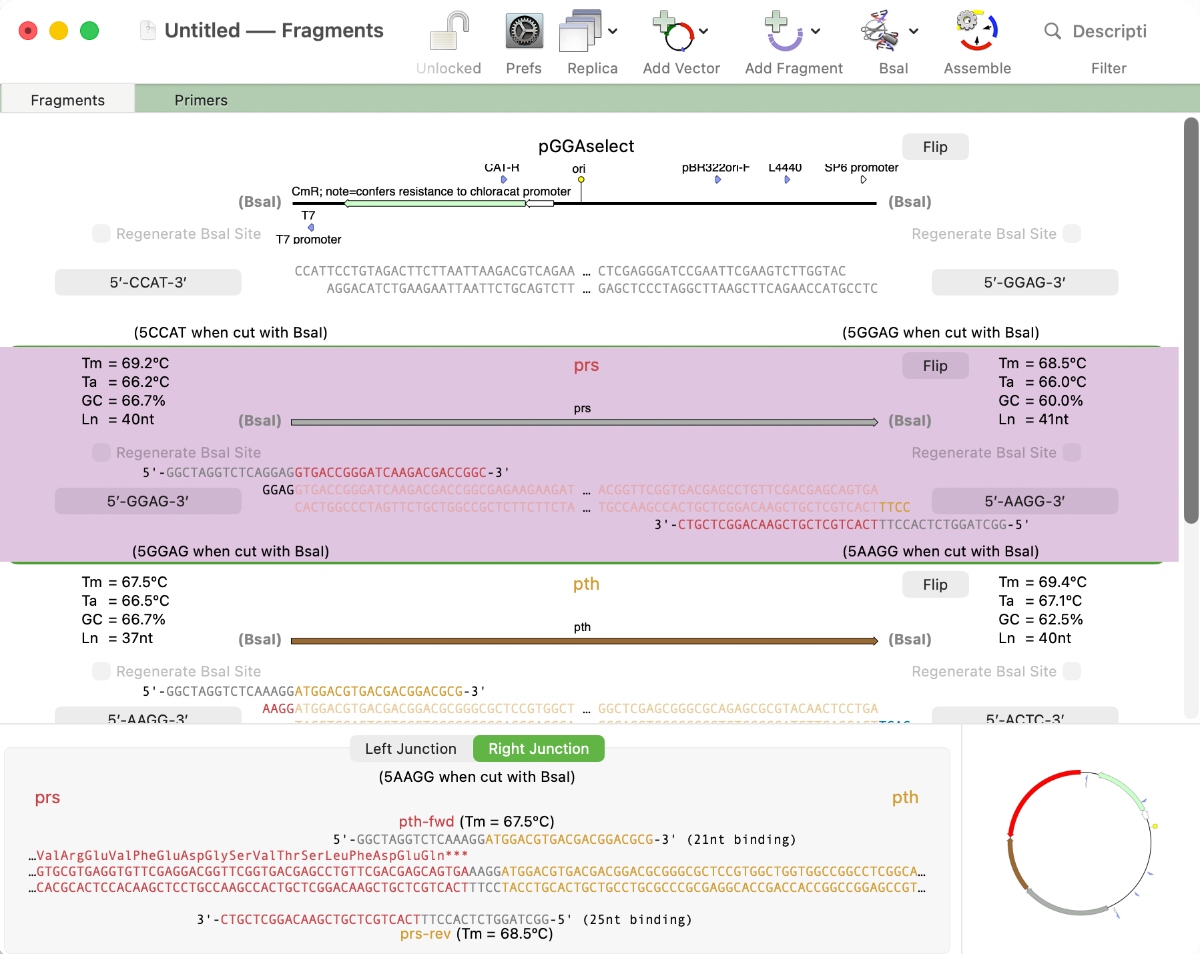
    MacVector 26 sees the addition of Golden Gate Cloning to MacVector’s Cloning Project Manager We are just putting the finishing touches to a new Golden Gate Cloning interface for our next release of MacVector. Based on our existing Gibson Assembly interface, this new functionality lets you design constructs using the popular Golden Gate approach. This takes advantage…

    Read more: Golden Gate Cloning
    Jun 4, 2026

    —

    by

    Chris
    in Releases, Techniques

  • MacVectorTip: Highlighting regions of a sequence in the Editor tab

    Sometimes it’s a simple visualization of your sequence that you need or you want to quickly annotate an interesting part of your sequence to investigate later. So in addition to displaying a rich visual representation of your sequence and its features in the Map tab, MacVector can also show specific regions directly in the Editor tab. For instance, you…

    Read more: MacVectorTip: Highlighting regions of a sequence in the Editor tab
    May 28, 2026

    —

    by

    user
    in 101 Tips, Tips

  • MacVectorTip: How to prepare annotated eukaryotic genome assemblies for import into MacVector

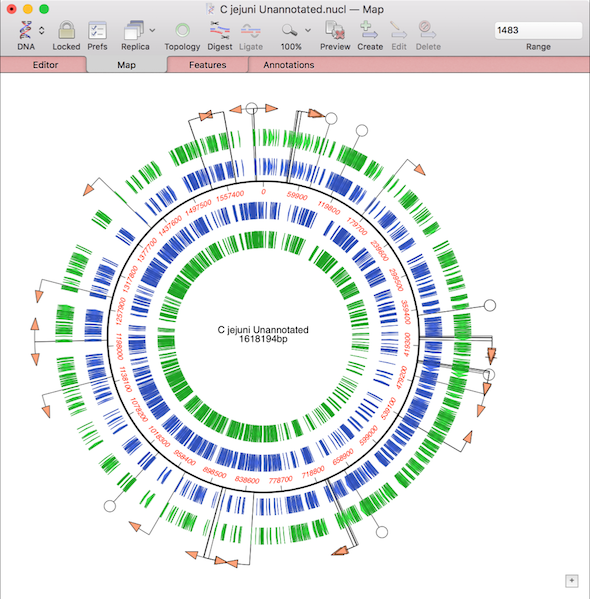
    One of the more challenging aspects of dealing with large eukaryotic genomes is that most are incomplete and have many gaps. Often the genomes are available as a collection of hundreds or thousands of separate contigs, with associated annotations. This makes working with them awkward. However, increasingly, entire annotated chromosomes can be downloaded with the…
    Read more: MacVectorTip: How to prepare annotated eukaryotic genome assemblies for import into MacVector
    May 14, 2026

    —

    by

    Chris
    in General, Tips

  • MacVectorTip: How to view the edit history of your sequence

    MacVector’s History tab shows the edit history of your DNA sequences. Some of MacVector’s editing tools will annotate every modification to your sequence. For example with the Cloning Clipboard, all cloning actions (such as ligating a digested fragment into a vector) create a /FRAG feature that records the source of the ligated fragment, the restriction enzymes used to digest it (and…

    Read more: MacVectorTip: How to view the edit history of your sequence
    May 6, 2026

    —

    by

    Chris
    in Tips

  • MacVectorTip: MacVector 18.8 has a new Preference Reset button.

    Very occasionally, you may find MacVector behaving unusually. Perhaps windows are not activating correctly, or functions you have used without issue for many years have suddenly started crashing, taking an excessive amount of time to run or generating nonsensical results. When such issues are reported to MacVector Support, we always try to perform an in-depth…

    A macOS dialogue showing a new reset preferences button
    Read more: MacVectorTip: MacVector 18.8 has a new Preference Reset button.
    Mar 26, 2026

    —

    by

    Chris
    in Tips

  • MacVectorTip: Use Quicktest Primer to design primers that change encoded amino acids and create restriction enzyme sites

    The Quicktest Primer interface is highly interactive and the display shows restriction enzymes and the amino acids sequences of CDS features in the region of interest. Here’s a ~25nt primer aligned against a parental sequence. Restriction enzyme recognition sites are shown in black text. “One-out” sites (e.g. a 5 out of 6 match) are shown with an…

    A macOS dialog showing multiple restriction enzymes sites and a primer sequence
    Read more: MacVectorTip: Use Quicktest Primer to design primers that change encoded amino acids and create restriction enzyme sites
    Mar 26, 2026

    —

    by

    Chris
    in 101 Tips, Tips

  • MacVectorTip: Make Sure You Have Assembler Activated!

    In September of 2024, we started including Assembler with all new, upgraded and renewed licenses of MacVector. Assembler is fully integrated within MacVector and is enabled by the license activation code. However, it may be that your lab or institution has a new Assembler activation code after a renewal, but you are still using an…

    Read more: MacVectorTip: Make Sure You Have Assembler Activated!
    Mar 12, 2026

    —

    by

    Chris
    in Releases, Tips
1 2 3 … 55
Next Page→

Workflows

  • Primer Design
  • Cloning
  • Sequence Assembly
  • CRISPR
  • Gibson Assembly

Assembly

  • Sequence Assembly
  • Genome finishing
  • Comparison with Sequencher

Resources

  • Privacy Policy
  • What’s New
  • Testimonials
  • Downloads

Support

  • Compatibility
  • Contact us
  • Importing sequences
  • Support

Social

  • Facebook
  • Instagram
  • Twitter/X

We produce software for the molecular biologist with a Mac!

The blue logo of MacVector, inc.